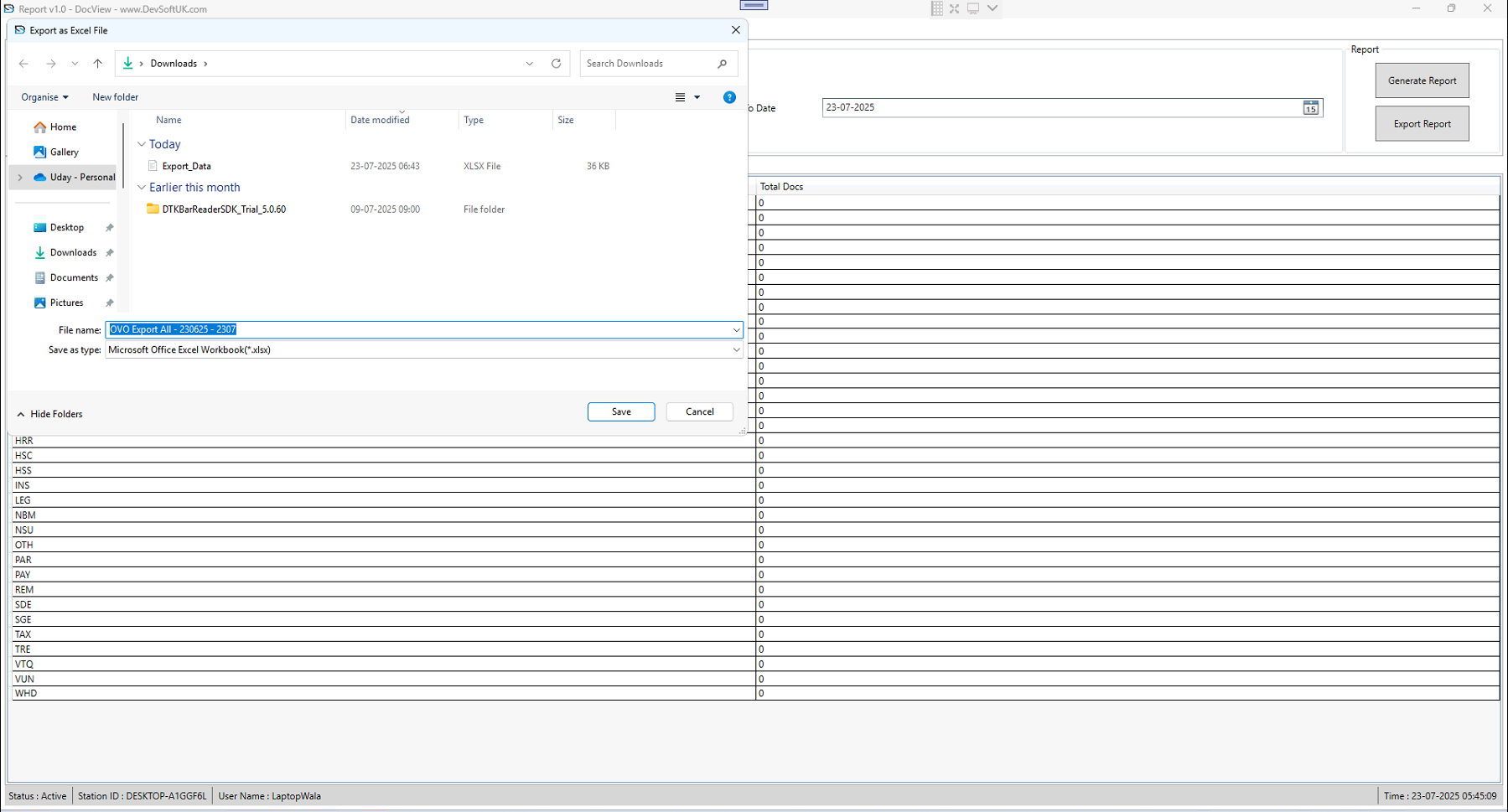
Report Module
The Report Module in DocView Capture is designed to provide administrators and operators with real-time visibility into batch processing, workflow performance, and user productivity.
It consolidates standard reports, custom reporting options, export features, and file explorer views into a unified module.
Report Workflow
1. Report
- Displays predefined reports like Batch Summary, User Productivity, and Workflow Performance.
- Provides filters such as:
- Date Range
- Batch Type
- User/Operator
- Offers both tabular view (rows and columns) and graphical summaries (charts, bars, pie).
- Helps administrators quickly review system activity without creating custom templates.
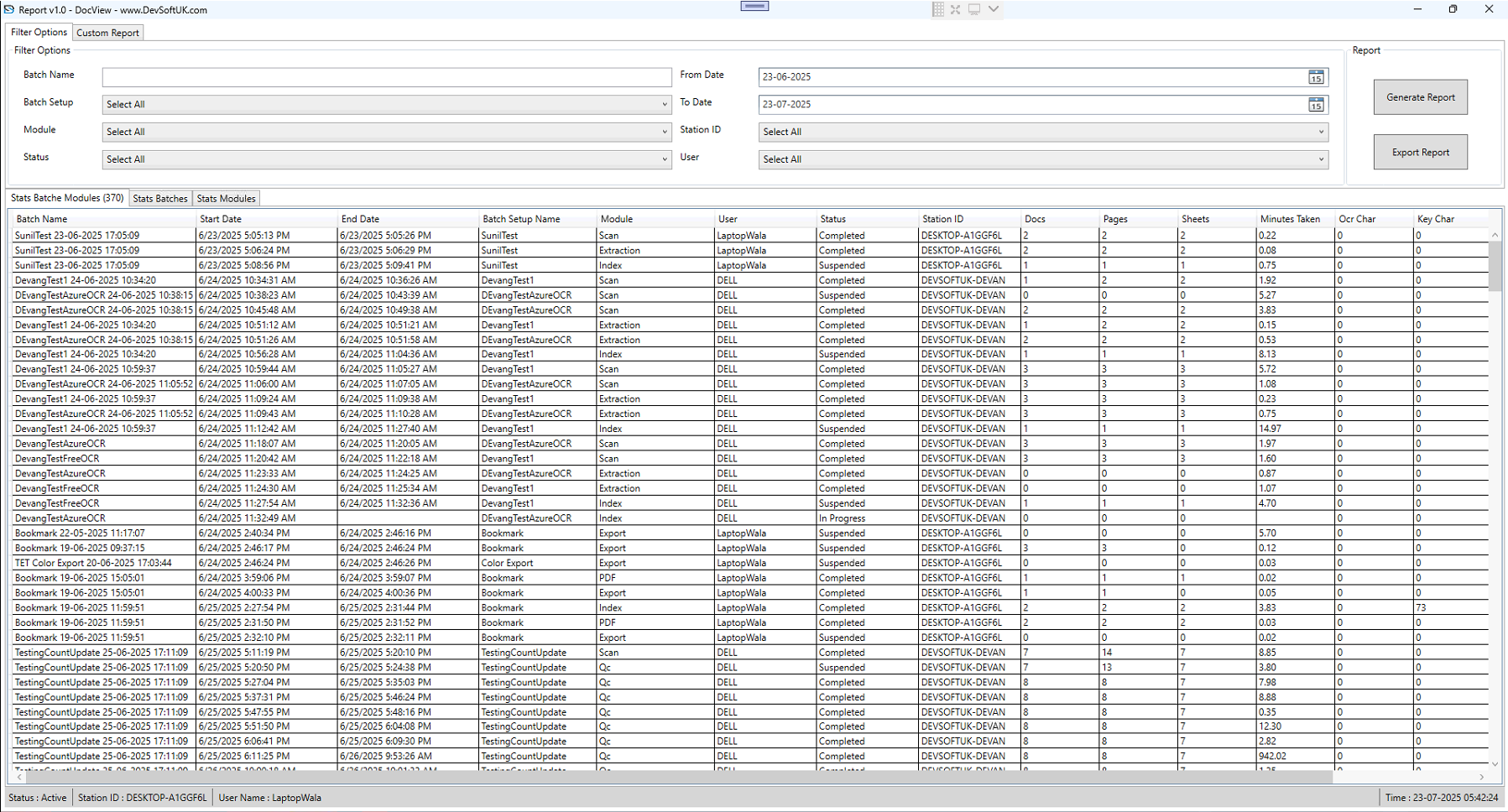
2. Custom Report
- Allows users to design their own report templates beyond standard system reports.
- Fields available include: Batch ID, Batch Name, Creation Date, Completed Date, Process Status, User Activity.
- Customization options:
- Column selection
- Sorting & Grouping
- Aggregation (e.g., Count, Sum, Average)
- Saves custom reports for reuse.
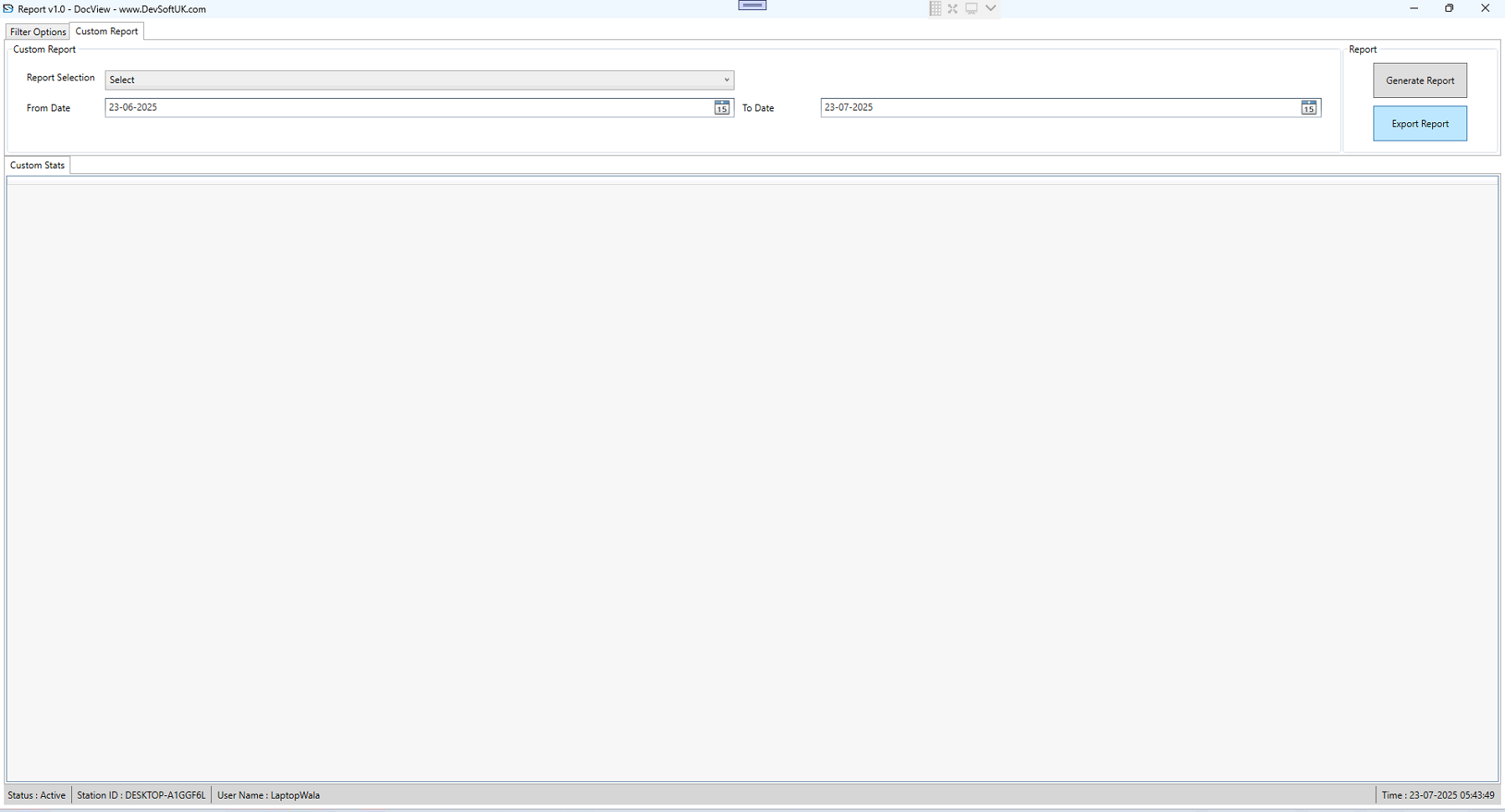
3. Custom Report Status
- Provides a status dashboard for all custom reports created.
- Shows report generation progress:
- Generated Successfully
- In Progress
- Failed (with error logs)
- Helps users track large or complex report generation jobs without re-running them blindly.
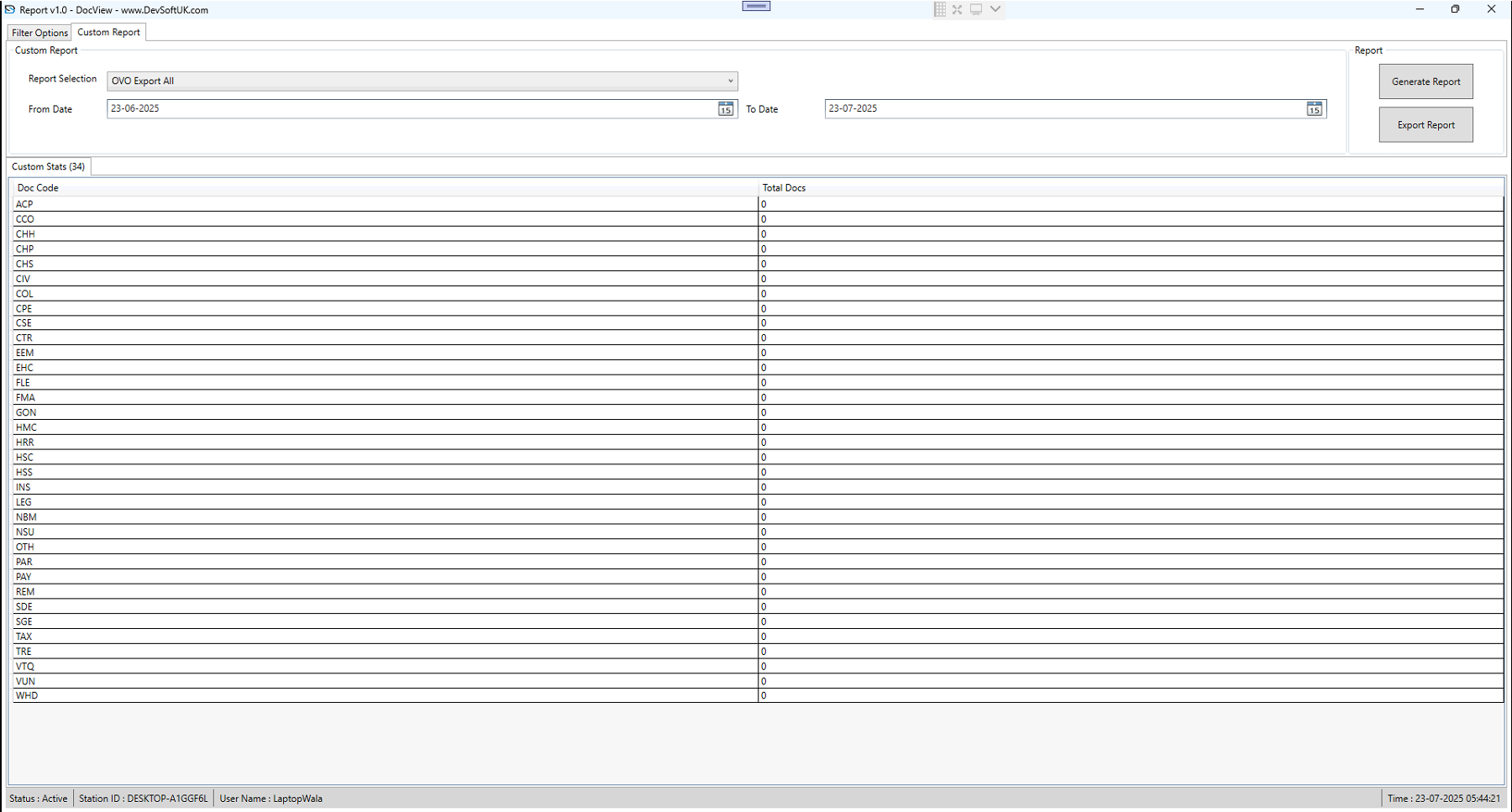
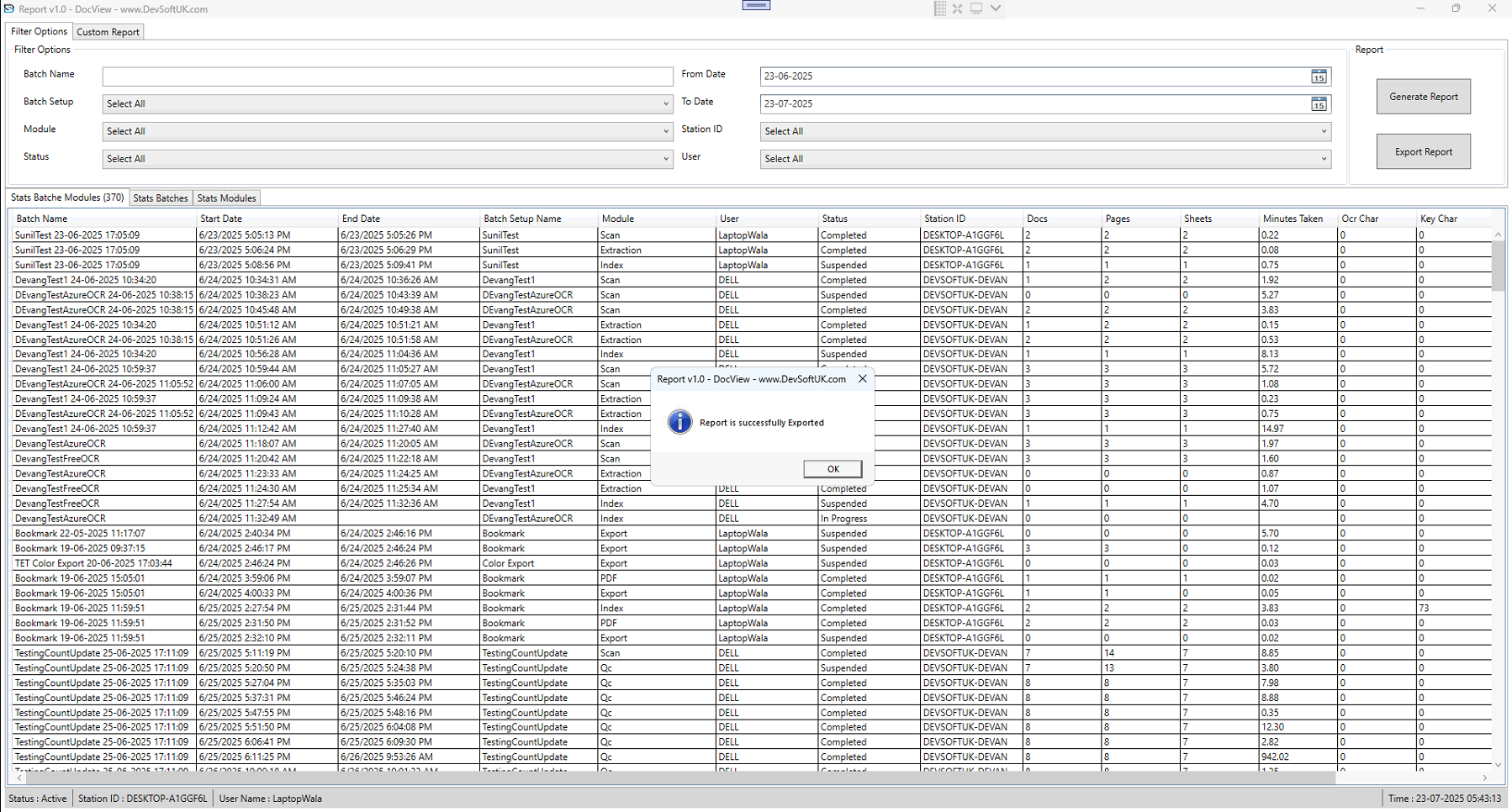
4. Export Report
- Reports (standard & custom) can be exported into multiple formats:
- Excel (.xlsx)
- CSV
- Text
- Export either complete data or filtered data only.
- Ensures compliance by providing permanent, shareable formats.
5. File Explorer Custom Report
- Provides a file explorer style interface for managing saved custom reports.
- Features include:
- Browse folders
- Open previous reports
- Delete outdated ones
- Rename and organize reports logically