Formatter Setup Overview
In DocView Capture, Formatter Setup defines how extracted data is processed and standardized after capture.
Formatter Setup determines:
- What formatting logic to apply (e.g., Amount Formatter, Date Formatter, Text Formatter)
- How to transform, clean, or adjust the extracted values for consistency and downstream processing
- Ensures data follows specific business rules or output formats
Formatters are assigned to fields during Field Setup, allowing the system to automatically apply the correct transformations during document processing.
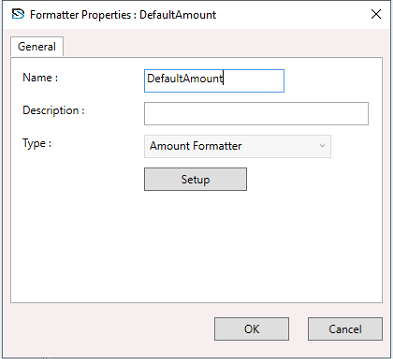
The image shows the Formatter Properties window, where you can name the formatter, select the type of formatter, and configure its settings using the Setup button.
NOTE
Proper formatter setup enhances data quality and ensures consistency across all captured documents.