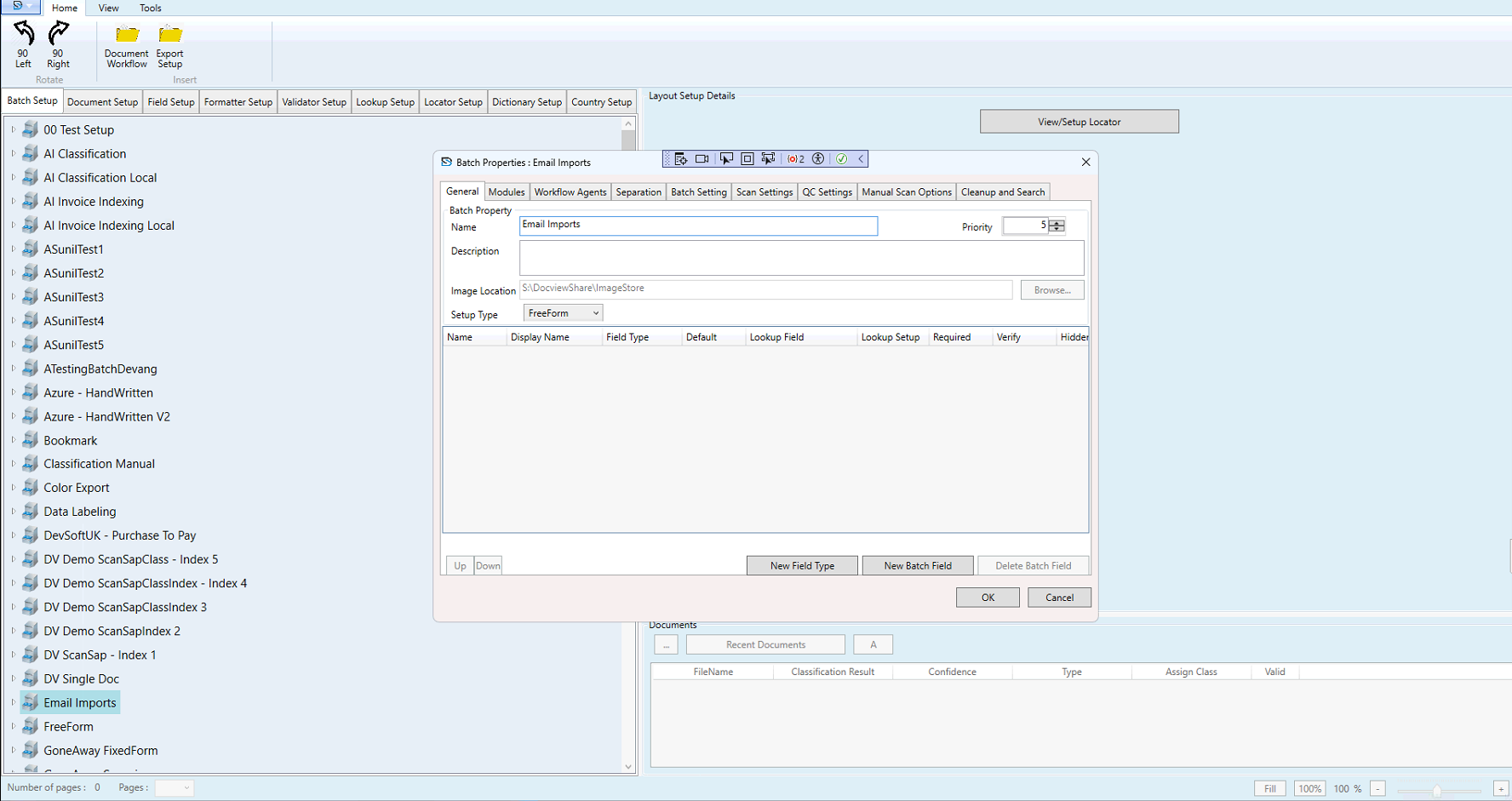
Email Import Setup
The Email Import Setup in DocView Capture allows documents to be fetched directly from configured email inboxes and automatically added into processing batches. This enables seamless ingestion of attachments without manual intervention.
Functionality
- Email Server Connection – Connect to mail servers using IMAP or POP protocols.
- Attachment Handling – Automatically import attachments (PDFs, images, etc.) and optionally extract the email body.
- Batch Assignment – Route imported documents into a predefined batch process (e.g. Email Imports).
- Metadata Usage – Leverage subject, sender, or keywords to auto-classify and index incoming documents.
- Configuration Options – Define priority, setup type (e.g. FreeForm), and storage location for imported files.