Refresh a Lookup Setup
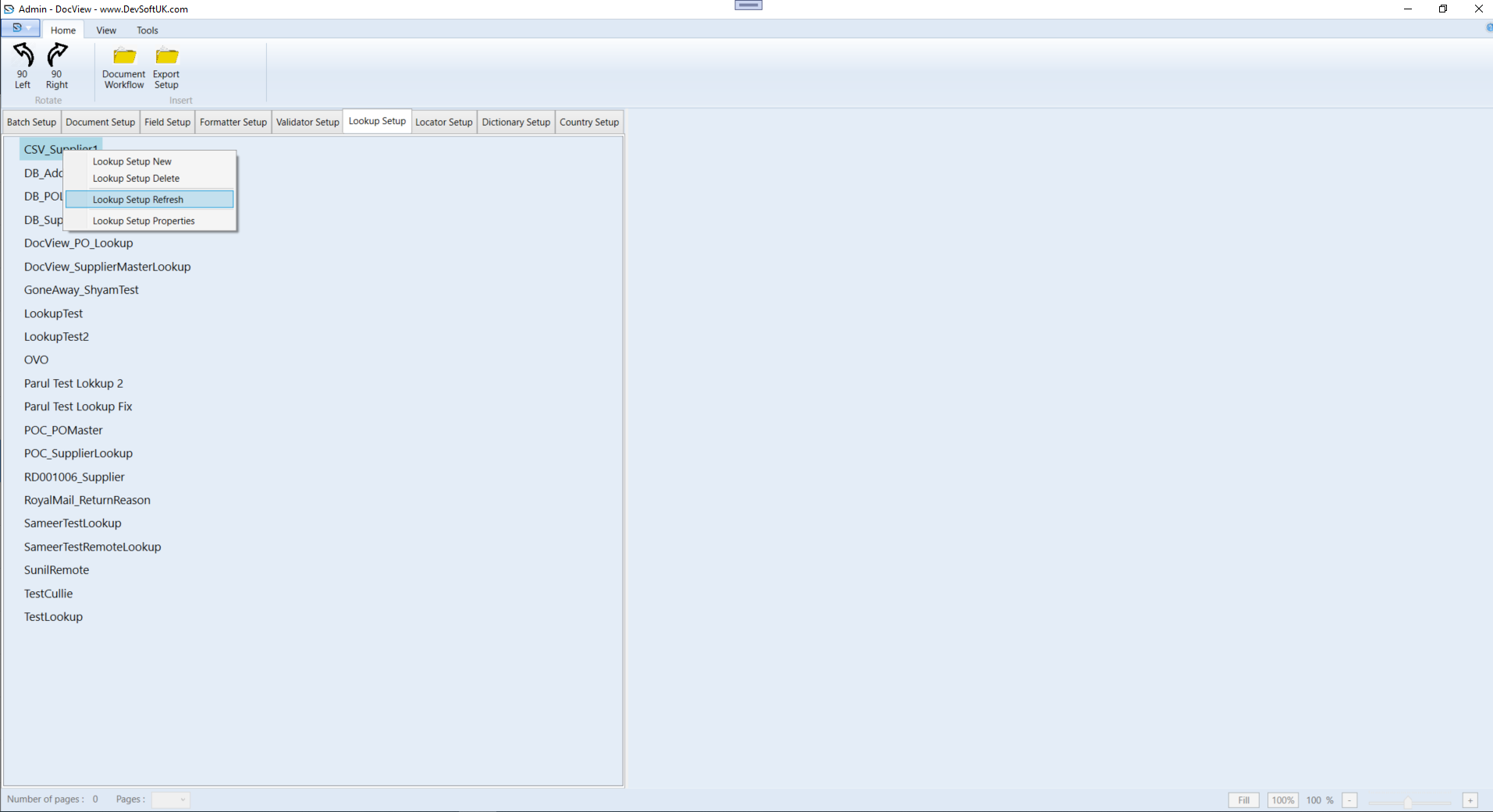
To refresh a lookup setup, follow the steps below:
- In the Lookup Setup tree view tab, select a batch setup.
- Right-click the selected batch setup to open the context menu, then choose Lookup Setup Refresh.
- After clicking Lookup Setup Refresh, all documents in the setup will be refreshed.