Rename a Batch Setup
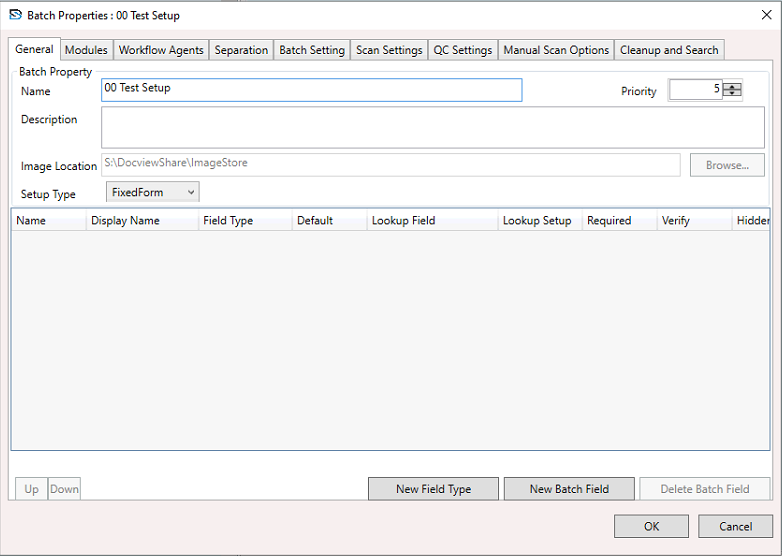
You can rename a batch setup using either the Batch Setup tree view tab or the Batch Setup Properties window.
INFO
- Renaming a published batch setup will automatically unpublish it. The new name takes effect only after republishing.
- Existing batches created under the original setup name will retain their reference to that name.
- Duplicate batch setup names are not allowed.
- If the renamed batch setup contains a document setup with an export connector referring to the original name, you must update those references in the connector settings.
Steps to Rename a Batch Setup
1. Navigate to the Batch Setup Tree View
- Go to the Batch Setup tree view tab.
2. Select a Batch Setup
- Click on the batch setup you want to rename.
3. Open the Context Menu
- Right-click on the selected batch setup to open the context menu.
- From the menu, select Batch Setup Properties.
4. Update the Name Field
- In the Name field, enter the new name.
- (Optional) Update the Description field.
5. Confirm Batch Setup Renaming
- Click Apply to save the new name.
- Click OK to save and close the window.
WARNING
Renaming a batch setup that is in active use may disrupt workflows until it is republished and any dependent connectors are updated.