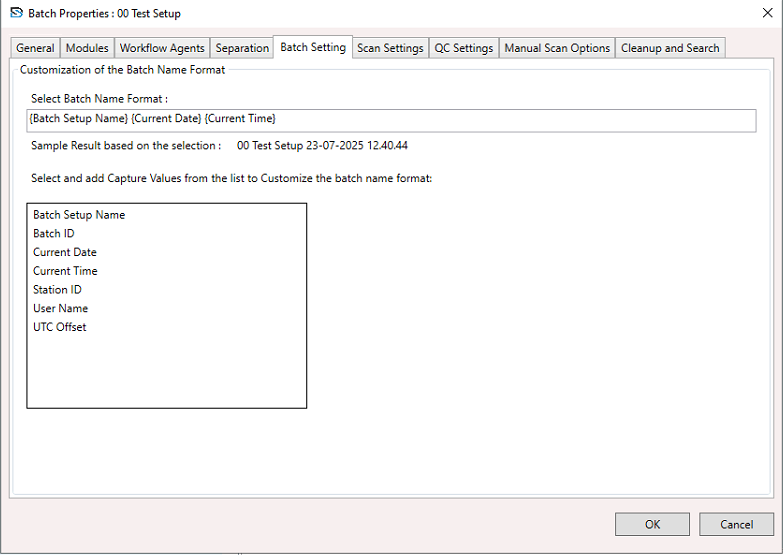
Batch Setup Properties - Batch Setting
To configure batch settings:
- Select a Batch Setup.
- Right-click and choose Batch Setup Properties from the context menu.
- In the Batch Setup Properties window, go to the Batch Setting section.
Customizing the Batch Name Format
Define a dynamic naming pattern for batches using placeholders.
Example Format:{Batch Setup Name} {Current Date} {Current Time}
Sample Output:00 Test Setup 29-07-2025 14:34:49
Available Placeholders:
{Batch Setup Name}{Batch ID}{Current Date}{Current Time}{Station ID}{User Name}{UTC Offset}
Use OK to save your changes or Cancel to discard them.