Batch Setup Overview
In DocView Capture, a batch setup defines how documents are processed within a batch. Each batch is created based on a batch configuration that determines:
- The sequence of processing steps and applied modules.
- Rules for separating pages into individual documents.
- Form recognition and classification logic.
- Image cleanup and enhancement settings.
A batch setup includes one or more document classes, each containing one or more form types. This structure allows you to manage various document types and layouts within a single batch. DocView Capture automatically splits pages and identifies form types using pre-configured rules.
You can maintain a list of available batch setups to choose from when starting a new batch.
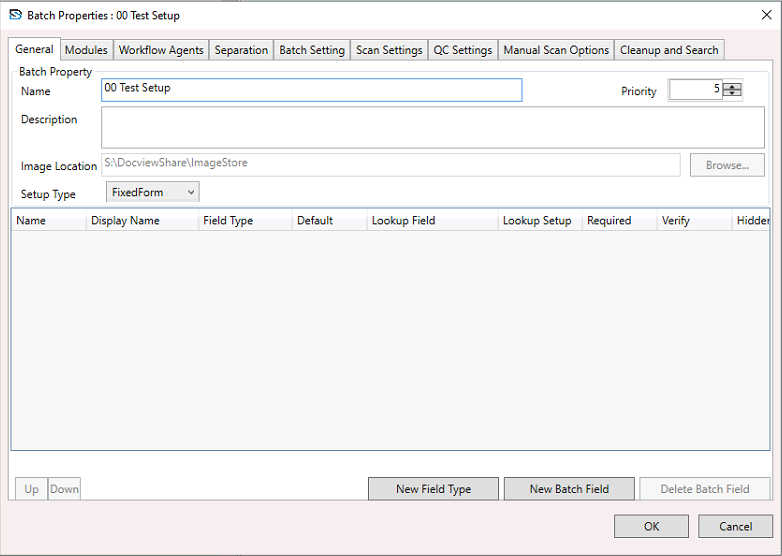
Batch Setup Steps
- (Optional) Define custom field types
- Create document classes
- Define form types
- Add sample pages for form training
- Create a batch setup
- Link document classes to your batch setup
- Publish and make the setup available for use
Information
DocView Capture uses a modular and flexible approach to configuring batch setups. While some steps follow a logical sequence, many can be completed in any order.
Best Practice
Always test batch setups with sample documents to ensure page separation, classification, and field recognition work correctly before using them in production.