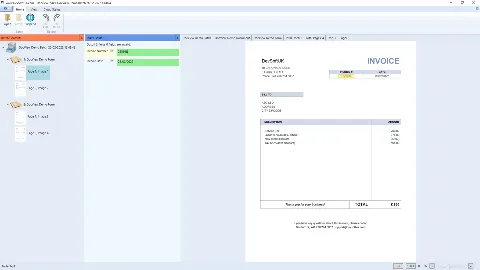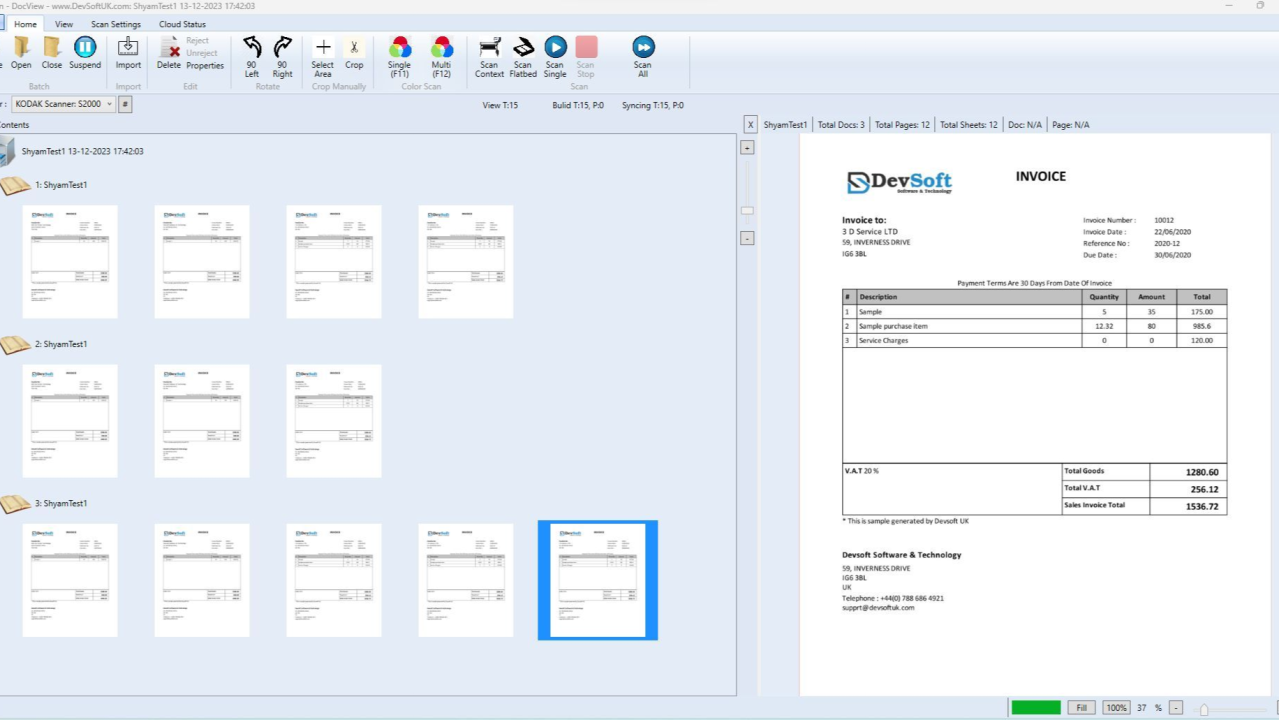
DocView Capture is your one-stop solution for seamless document scanning, intelligent data extraction, and end-to-end automation. Built for scale, security, and simplicity.
An unlimited number of setups for different document types.
Fully cloud-based, no hardware or infrastructure required.
Complete Product to transform your physical and electronic documents into business value.
Free training and 5 free custom setups on an agreed contract.
Key functional modules in our capture solution
Explore the key modules that power your document capture workflow
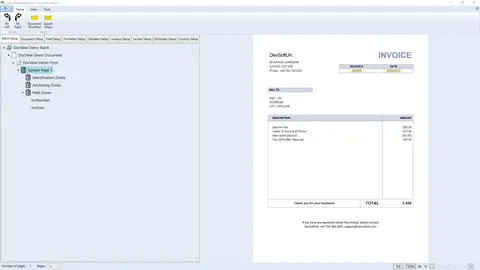
The command centre for defining rules and scan profiles. Supports both fixed and free-form layouts.
Best for: Managing diverse document input flows
Read Full Guide
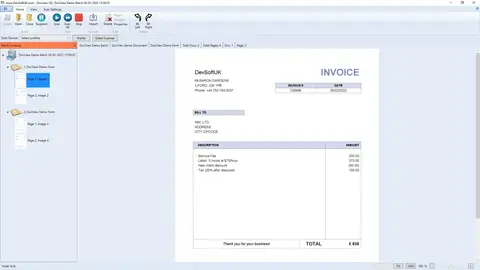
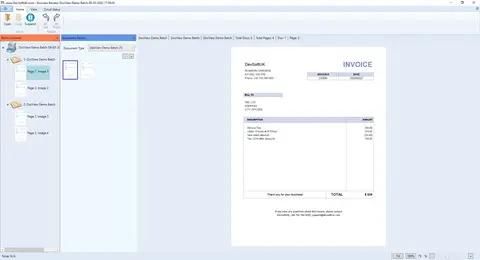
Acquires documents from TWAIN scanners and MFP devices with options for preview, cleanup, and profile-based capture.
Best for: Structured paper-based input
Read Full Guide
Imports documents from watched folders, email inboxes, FTP, or SharePoint with flexible profile-driven rules.
Best for: Hands-free digital capture from external sources
Read Full Guide
Provides manual tools to rotate, crop, clean, or delete pages before processing.
Best for: Ensuring image quality and consistency
Read Full Guide
Uses layout, keywords, or machine learning to auto-identify document types.
Best for: Routing documents by type before extraction
Read Full Guide
Displays classification results for operators to approve or correct before extraction.
Best for: Manual validation of auto-classified documents
Read Full Guide
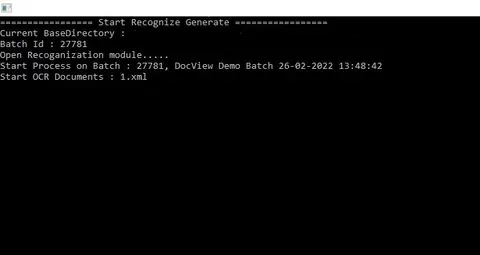
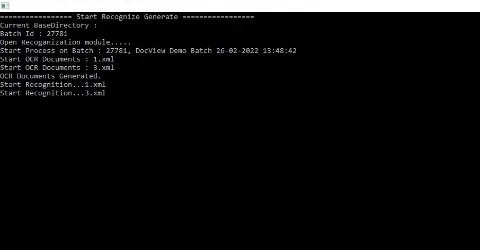
Converts scanned pages into text and extracts key fields using templates or AI rules.
Best for: Making documents searchable and capturing structured data
Read Full Guide
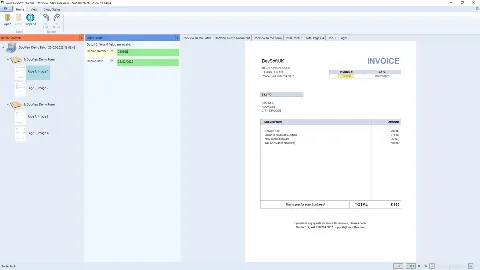
Lets users review and edit extracted data before it moves downstream.
Best for: Validating and correcting captured information
Read Full Guide
Flags and routes exceptions for user review, with validation rules and edit support.
Best for: Handling extraction errors and enforcing data accuracy
Read Full Guide
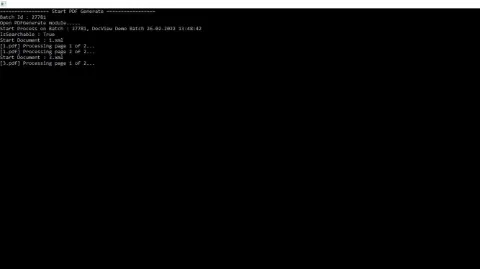
Enhances PDFs with searchable text, bookmarks, overlays, and metadata.
Best for: Generating enriched, searchable PDF outputs
Read Full Guide
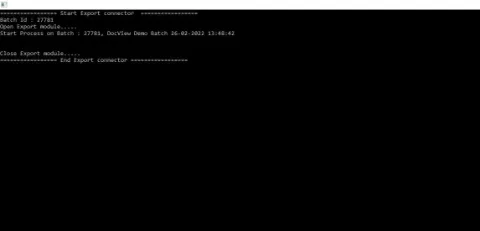
Delivers documents and data to downstream systems, folders, or archives.
Best for: Final output to business systems or storage
Read Full Guide
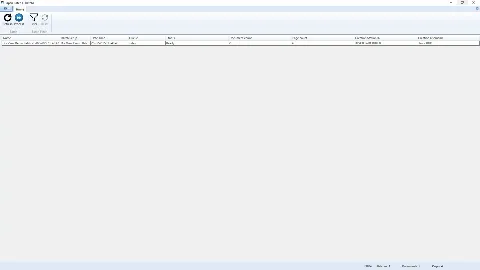
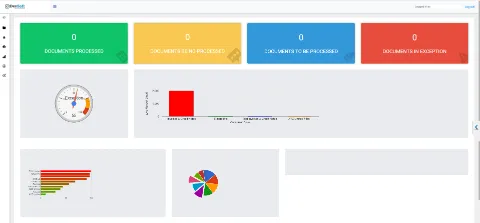
Offers tools for monitoring, tracking, and administrating processed documents.
Best for: Operational oversight and audit control
Read Full Guide
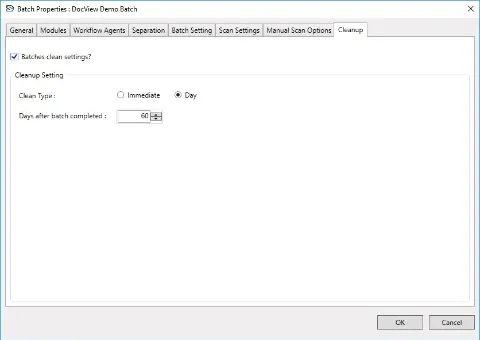
Automatically removes rejected or incomplete batches to keep the system tidy.
Best for: Maintaining a clean and efficient capture environment
Read Full Guide
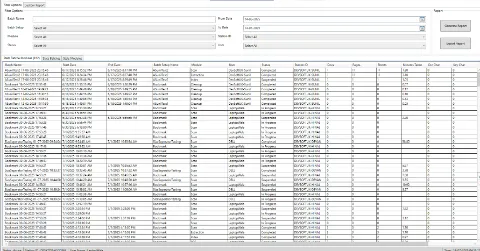
Generates summaries of processed documents, errors, and user activity.
Best for: Auditing, analytics, and performance tracking
Read Full Guide
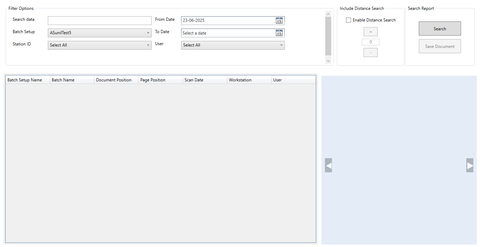
Lets users search across processed documents by keywords, metadata, or tags.
Best for: Fast retrieval and review of captured content
Read Full Guide
Automates the routing and processing of incoming digital and physical mail.
Best for: Streamlining high-volume inbound document workflows
Read Full Guide